Edit PDFs Like a Word Document.
Modify inline text, replace or crop images, and insert hyperlinks instantly. Keep original fonts and layouts perfectly intact with zero alignment break.
01 / TEXT & PARAGRAPH MANIPULATION
Edit Every Word and Line. Just Like a Document.
Break free from static PDFs. ArkoPDF automatically detects existing fonts, sizes, and layout constraints, allowing you to modify historical copy, fix typos, or insert entirely new paragraphs seamlessly. The text flows naturally, maintaining professional alignment and line spacing automatically.
Experience Seamless Text Editing →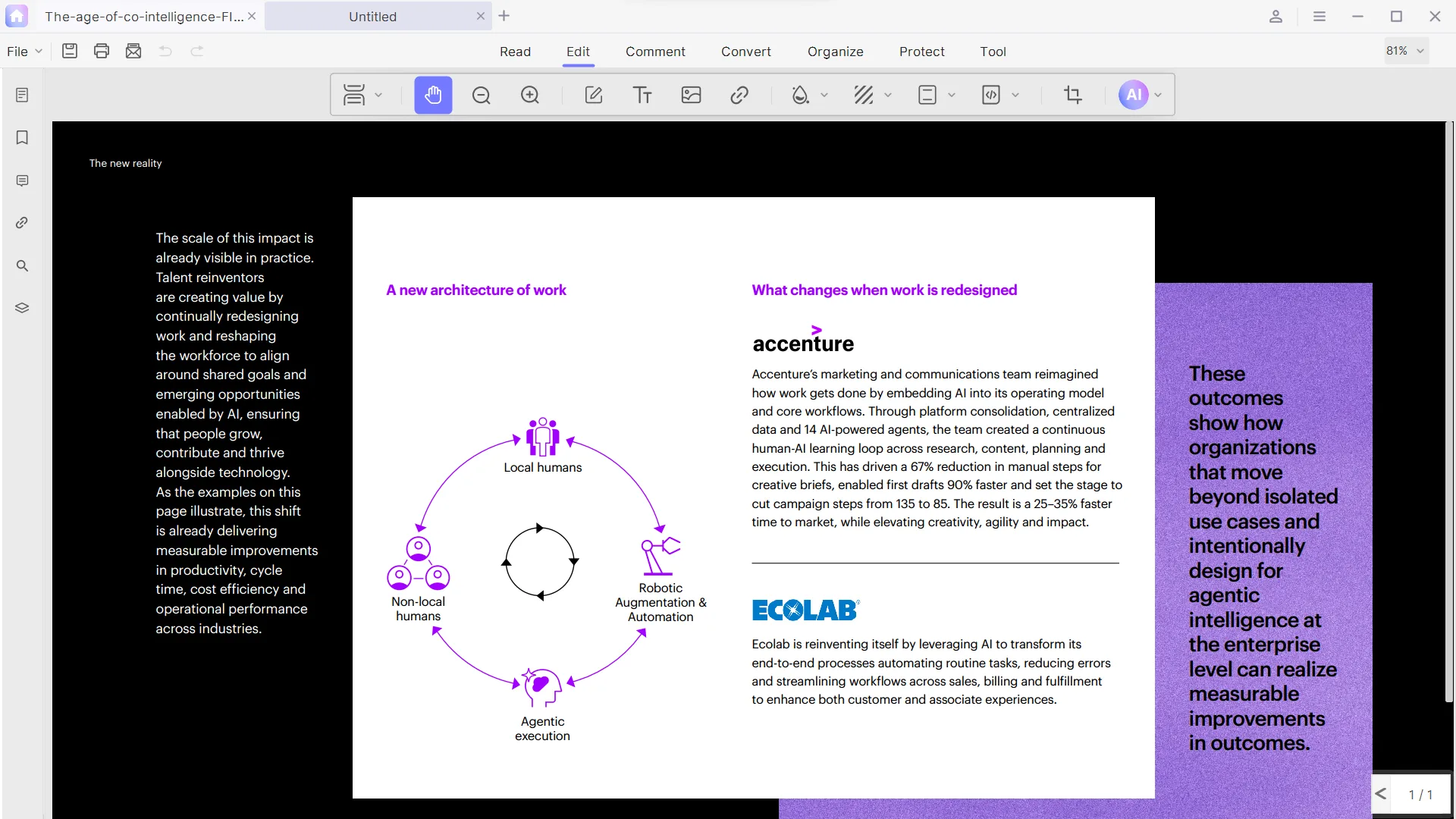
02 / ADVANCED IMAGE MANAGEMENT
Complete Asset Control. Pixel-Perfect Precision.
Managing visuals inside a PDF shouldn't be an afterthought. Drag and drop to add new graphics, replace outdated imagery instantly, crop layout components, or rotate assets on the fly. Scale and move any canvas element with visual grid lines keeping your alignment flawlessly intact.
Master Your Media Assets →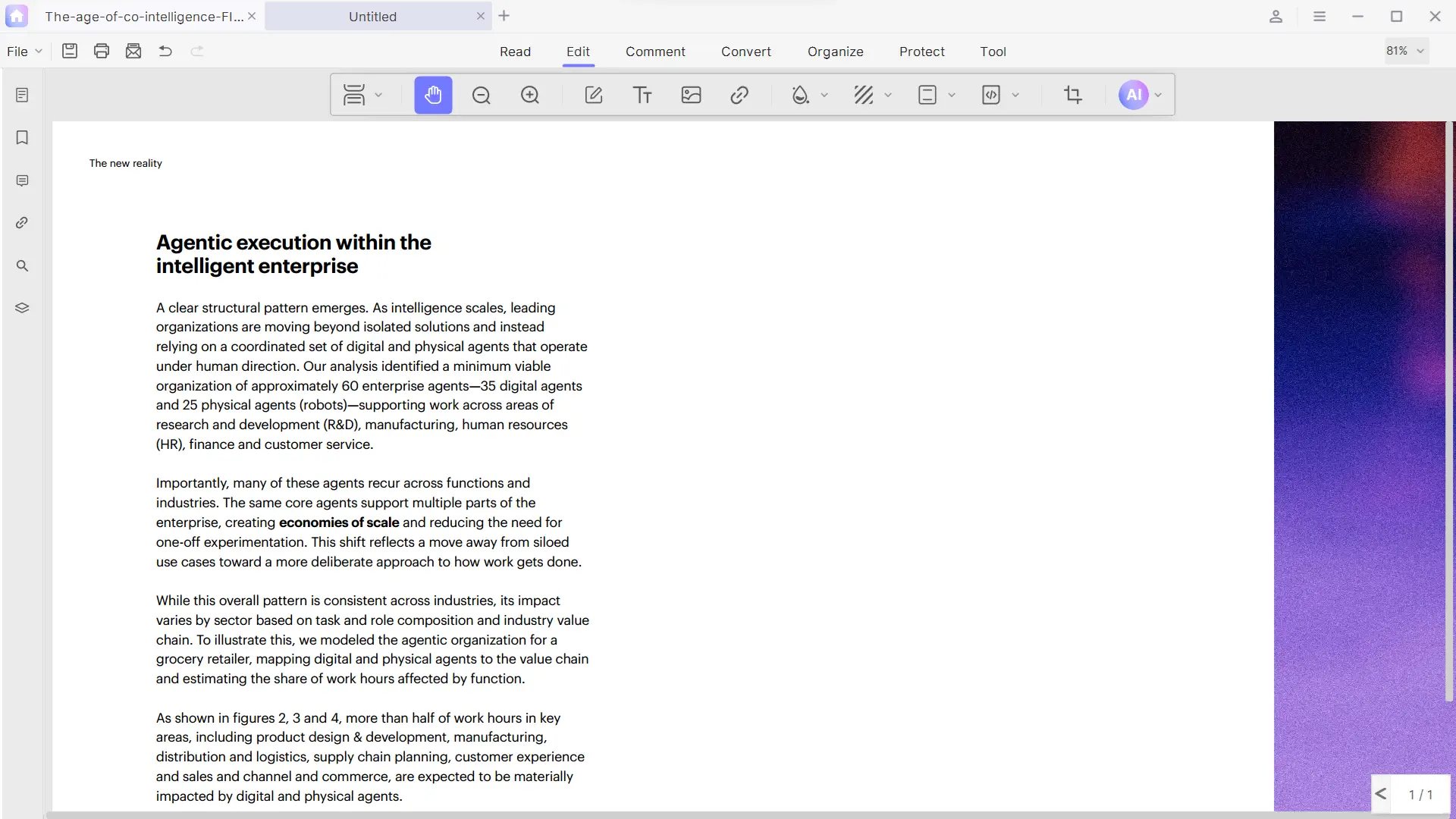
03 / DOCUMENT GRAPHICS & STRUCTURING
Polish the Visual Grid. Brand Your Content.
Elevate documentation from draft to enterprise standard. Instantly deploy consistent headers and footers with automated page numbering. Layer elegant corporate backgrounds, or stamp customizable anti-leak security watermarks across entire document sets in a single command.
Apply Corporate Layouts →
04 / NAVIGATIONAL SYSTEM BUILDING
Map Dense Documents. Navigate Effortlessly.
Guide your readers through complex multi-chapter documents. Construct interactive, deeply nested outlines and bookmarks for instant data jumping. Embed contextual anchors and hyperlinks that bind text blocks directly to cross-reference targets, pages, or external web addresses seamlessly.
Structure Your Documents →▤ BOOKMARKS
EXECUTIVE SUMMARY
Quarterly Performance Review
Q3 operating margin expanded 310bps, outperforming the guidance range set at the start of the fiscal year.
Inline text editing that preserves fonts, spacing, and layouts.
Replace, crop, and resize images without breaking alignment.
Insert and manage hyperlinks with a single click.
THE ARKOPDF DIFFERENCE
Edit Like Word. Layout Never Breaks.
Other editors flatten your PDF and wreck the formatting. ArkoPDF edits the real PDF objects directly — so text, fonts, images, and layout stay pixel-perfect.
Font-perfect text editing
Edit characters directly — fonts, sizes, and colors stay true to the original.
Pixel-perfect images & layouts
Swap, crop, and move images and shapes without a single element shifting.
Watermark-free export
Save and export your work clean — no ArkoPDF watermark, ever.
HOW IT WORKS
Edit Any PDF in Three Steps.
📄 Open
Open any PDF — scanned, OCR'd, or from any tool — and start clicking.
✏️ Edit
Click text and type like Word; swap or crop images; add links — all with layout intact.
💾 Save & export
Save with the same layout, or export clean. No conversion, no watermarks.
Free plan · No credit card · 7-day VIP on sign-up
TRUSTED WORLDWIDE
Trusted by Teams That Live in PDFs.
4M+
users worldwide
99.9%
layout preserved
100%
font fidelity
100+
formats supported
“We edit client-ready decks and contracts directly in the PDF — it genuinely feels like Word, and the layout never shifts.”
SECURITY & COMPLIANCE
Edit Confidentially. Your Files Never Leave Your Device.
AES-256 encryption
Every document is encrypted with AES-256 at rest and in transit.
On-device processing
Everything runs locally — your files never upload to any server.
SOC 2 Type II
Audited controls that meet the demands of enterprise teams.
GDPR ready
Full data-privacy compliance with the GDPR.
Turn Every PDF Into a Fully Editable Canvas
Modify text down to the last character, swap and crop images, restructure page layouts, and reorganize documents — all with pixel-perfect precision. Upgrade to unlock the complete editing toolkit and remove every limit.
Free
Forever
- Try premium tools — 3 uses each (edit, batch, OCR, page tools, split & merge)
- After 3 uses, exports carry an ArkoPDF watermark
- AI Copilot: 3 free uses · full-text translation 5 pages (one-time)
- Inline translation: unlimited
- Register → 7-day full VIP trial (every local tool, unlimited)
Pro
first year, then $39.99/year
- Unlimited editing of text, images & layouts
- 10+ pro annotation tools (highlight, stamp, freehand)
- OCR & page tools: organize, watermark, header & footer, Bates
- Unlimited batch convert / merge / split
- PDF Photo Books & full-text translation
- Pro reader with side-by-side reading mode
- Copilot AI: 30 credits every month (resets monthly)
Lifetime
one-time · includes Copilot credits
- Every Pro local tool & feature, forever
- Future updates included
- No subscription — pay once
- Copilot AI: 100 credits included once
- Add Copilot credit packs anytime — they never expire
💡 How AI is billed: local tools are unlimited on paid plans. Copilot & full-text translation draw credits — Pro includes 30/month, Lifetime 100 once, and you can add packs anytime that never expire. No surprise bills.
FAQ
Frequently Asked Questions
How do I edit text in a PDF?
Open the PDF in ArkoPDF and click any text to edit it directly — type over it just like a Word document. Existing fonts, sizes, and layout are detected and preserved automatically.
Can I edit a scanned PDF?
First run OCR to turn the scan into a real text layer, then every word becomes editable and searchable. ArkoPDF bundles OCR right into the editing workflow.
How do I change fonts in a PDF?
Select the text and pick a new font, size, or color from the toolbar. ArkoPDF matches the surrounding style so your change blends in without breaking the layout.
Does ArkoPDF preserve the original layout?
Yes — editing happens on the real PDF objects, not a converted image. Text reflows naturally, images and shapes stay pixel-perfect, and nothing shifts.
Is the PDF editor free?
ArkoPDF has a free plan that includes reading, basic editing, and watermark-free export. Registered users also get 7 days of full VIP access to try everything.
Does ArkoPDF upload my documents?
No. Editing runs locally on your device — your confidential documents never leave your machine.